Organize plans without 100 messages.
OpenMeet is a free, lightweight organizer for games, meetups, and small group plans. Create a link, share it, and track who’s in — without endless group chat back-and-forth.
What it replaces
“Who’s in?” threads. Confusion about start time. Too many DMs. Last-minute dropouts.
- A single link everyone uses
- Clear counts (In / Maybe / Out)
- Max player limit + waitlist logic (optional)
- Location + notes in one place
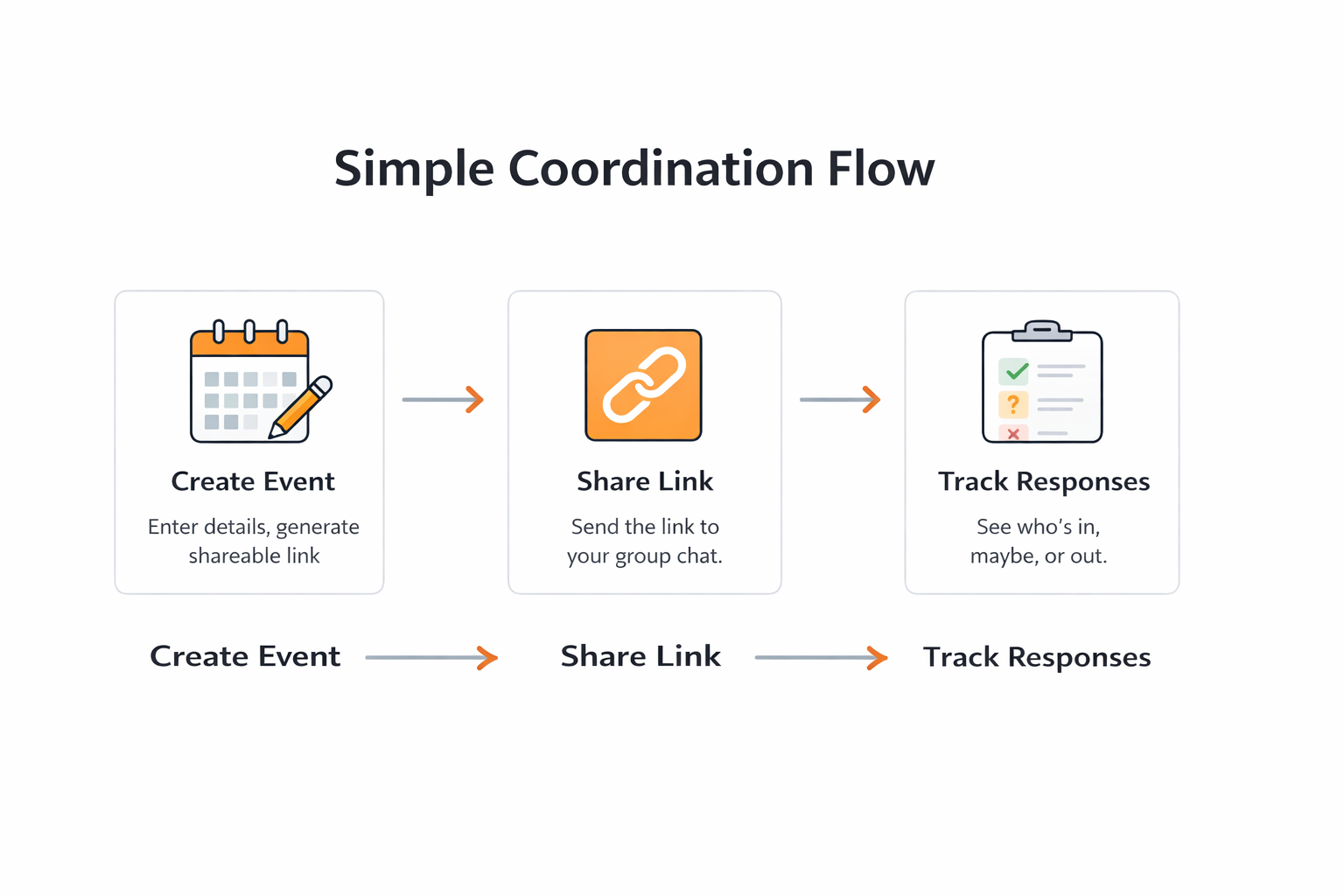
Simple Coordination Flow
How it works
Three steps. No accounts. Minimal friction.
Create
Enter date, time, location, and max players. Generate a shareable link.
Share
Post the link in WhatsApp/Facebook/text. Everyone sees the same page.
Track
Players click In/Maybe/Out. Organizer sees counts instantly.
Common Uses (Examples)
Flexible coordination patterns for everyday planning and operations.
Games & Sports
- Weekly pickup games and court rotations
- Practice sessions with player caps
- Last-minute roster checks
Dinners & Social Plans
- Dinner invites and headcount tracking
- Brunch and birthday coordination
- Venue/time confirmation in one link
Trips & Outings
- Day trips with attendance deadlines
- Carpool and meeting-point planning
- Simple itinerary confirmations
Meetings & Community
- Community sessions and volunteer signups
- Workshop attendance planning
- Recurring committee check-ins
Teams & Field Coordination
- On-site shift confirmations
- Field crew availability checks
- Fast response planning for dispatches
Example: Pickleball Coordination (One of Many)
Pickleball is an easy example to demonstrate the flow — the same pattern works for many group plans.
Designed for fast game coordination. No drama. No confusion. Post one link and let players self-organize.
- Date & start time
- Location / courts
- Max players
- Skill level (optional)
- Notes (balls, format, etc.)
- ✅ I’m In
- 🤔 Maybe
- ❌ Out
- Waitlist when full (optional)
Example (copy template)
“Saturday Pickleball @ Clearbrook Courts — 10:00am — Max 12 players”
Create a Game Link
This is the public landing + concept flow. When you’re ready, we wire the backend to generate real links. For now, this section shows what the form will look like.
Privacy & Security (Built for Trust)
- We do not sell or share your information
- Event links are only accessible to people you share them with
- No advertising trackers are required for OpenMeet to function
- We collect only what’s needed to run the organizer
If you’re a business with specific compliance needs, we can provide a private deployment option.
FAQ
Is OpenMeet really free?
Yes. OpenMeet is offered as a free coordination utility to simplify small group planning.
Do I need an account?
Organizers require an account to manage and track responses. Participants can respond directly using the shared link — no account required.
What types of plans can I organize?
OpenMeet works for games, dinners, meetings, trips, volunteer groups, team coordination, and other small group plans.
Is the information private?
Event links are accessible only to those you share them with. We do not sell or distribute user information.
Who built OpenMeet?
OpenMeet is part of a lightweight coordination toolkit built by Ramtech.